
 Translate
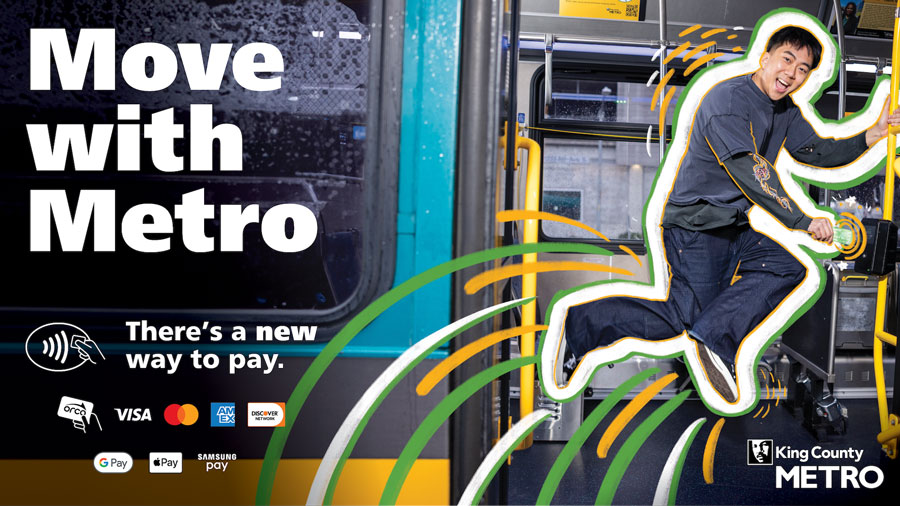
How to tap
Look for any fare reader and follow the Tap to Pay instructions below.
-
To use a physical card, look for the
 symbol on your Visa, Mastercard, Discover Network, or American Express credit or debit card. Tap your card to pay.
 -
To pay with your smartphone or smartwatch, first connect your credit or debit card to a digital wallet in Google Pay, Apple Pay or Samsung Pay. Tap your smart device to pay.
-
Tap your ORCA card. If you prefer to pay with a loaded ORCA card (add value online, at an ORCA ticket vending machine, at an ORCA pass sales office or other retailer), please continue to do so. ORCA cards are here to stay.
When you pay with an ORCA card or other, Tap to Pay options, you will receive a two-hour paid transfer window to ride other public transit. Simply tap again to transfer between buses, the Water Taxi, Link light rail or the Seattle Streetcar.
FAQ
If fare inspection staff ask for your proof of payment, you are required to share the last 4 digits of the credit or debit card you tapped to ride. In certain scenarios, you may also need to provide the first 6 digits of your card number. This information allows fare inspection staff to confirm that you have paid your fare for your trip. Fare inspectors will not ask for more information than what is necessary.
Riders who Tap to Pay using a credit or debit card will be charged a full, Adult fare. Reduced or free fares are only available on ORCA cards. If you qualify for ORCA LIFT, Senior, Disabled, or Youth fares and do not want to pay full fare, continue using an ORCA card. If you received your ORCA card from your employer, school or another organization and do not want to pay full fare, you should continue using your current ORCA card.
Everyone needs their own payment method to ride. Riders cannot pay for multiple riders or groups using one card or device.
We are working to provide the convenience of digital ORCA cards to all our customers, but we have no other information to share at this time.
Do not tap your entire wallet on the card reader. Take out the credit or debit card you wish to use before tapping.